Testing Extension
We have now built all the major pieces of our browser-based scraper. Before moving on, it is time to put everything together and see whether it actually works.
Testing a Chrome extension is slightly different from testing a traditional script. Our scraper is not simply a program that starts, processes some input, and exits. It interacts with a web page, changes pages, reloads the browser, stores its state, and continues where it left off.
This makes end-to-end testing particularly important. We want to test not only individual functions, but the complete workflow: creating a scraper, selecting the required elements, discovering listing URLs, visiting individual listings, extracting data, navigating through pages, storing the results, and finally downloading the collected data.
Loading the Extension
Because we are developing the extension ourselves, we can load it directly into Chrome without publishing it to the Chrome Web Store.
Open Chrome and navigate to chrome://extensions. Enable Developer mode and choose Load unpacked. Select the directory containing our extension files, including manifest.json, menu.html, menu.css, menu.js, ui.js, and scraper.js.
Chrome will then add the extension to the extensions page. From there, the extension can be opened from the browser toolbar and used on web pages just like a normal extension.
Whenever we change the extension's source code, we generally need to return to chrome://extensions and press the extension's Reload button before testing the new version.
What Should We Test?
A useful way to test our extension is to follow the same structure we used when designing it.
First, we test the scraper configuration. Can we create a scraper and define the listing selector? Can we define pagination? Can we visually select the elements we want to extract? Can we save and load the scraper configuration?
Next, we test the crawler itself. Does it discover all the listing URLs? Does it visit each listing? Does it extract the selected fields? Does it return to the listing page when it has finished? Does it continue with the next page?
Finally, we test persistence. This is particularly important for our architecture because navigation and page reloads are part of the crawling process. The scraper must be able to save its state before leaving a page and recover that state when the next page loads.
A scraper can have perfectly working individual functions and still fail as a complete system. In our case, navigation, local storage, selectors, page state, and extraction all depend on one another. End-to-end testing allows us to catch problems that would not be visible when testing functions in isolation.
Our First Test: Quotes
For the first test, we use quotes.toscrape.com. This is an intentionally simple website, which makes it a good environment for testing the complete extension without introducing unnecessary complexity.
Rather than filling this chapter with a large collection of screenshots showing every button click, I think there is a better way to demonstrate the process. The following video shows the complete extension being used to scrape the quotes website from beginning to end.
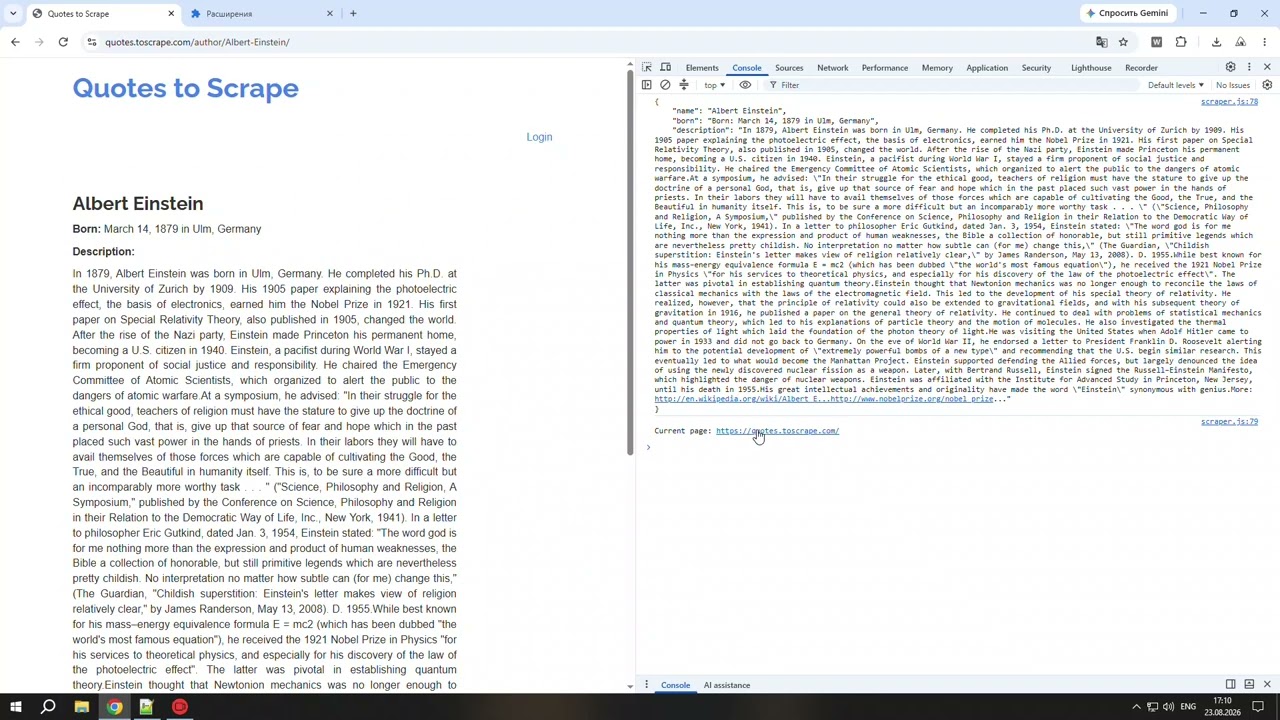
Watch how the scraper is configured, how the selectors are created, and how the extension uses the browser itself to move through the website and collect the data.
But Can We Scrape Something Real?
Our first test proves that the basic mechanism works. But a deliberately simple test website leaves an important question unanswered.
Can we use the same idea on a real-world website?
Real websites are considerably more complicated. They may have large and changing HTML structures, dynamic content, pagination controls, different types of links, and many other details that do not appear in a small scraping practice site.
This is where our browser-based approach becomes much more interesting.
Testing on Idealista
For the second test, we use idealista.com, a real-world real estate website. This is much closer to the kind of website for which the extension was designed.
The following video demonstrates the extension being configured and used to scrape real estate listings from Idealista.
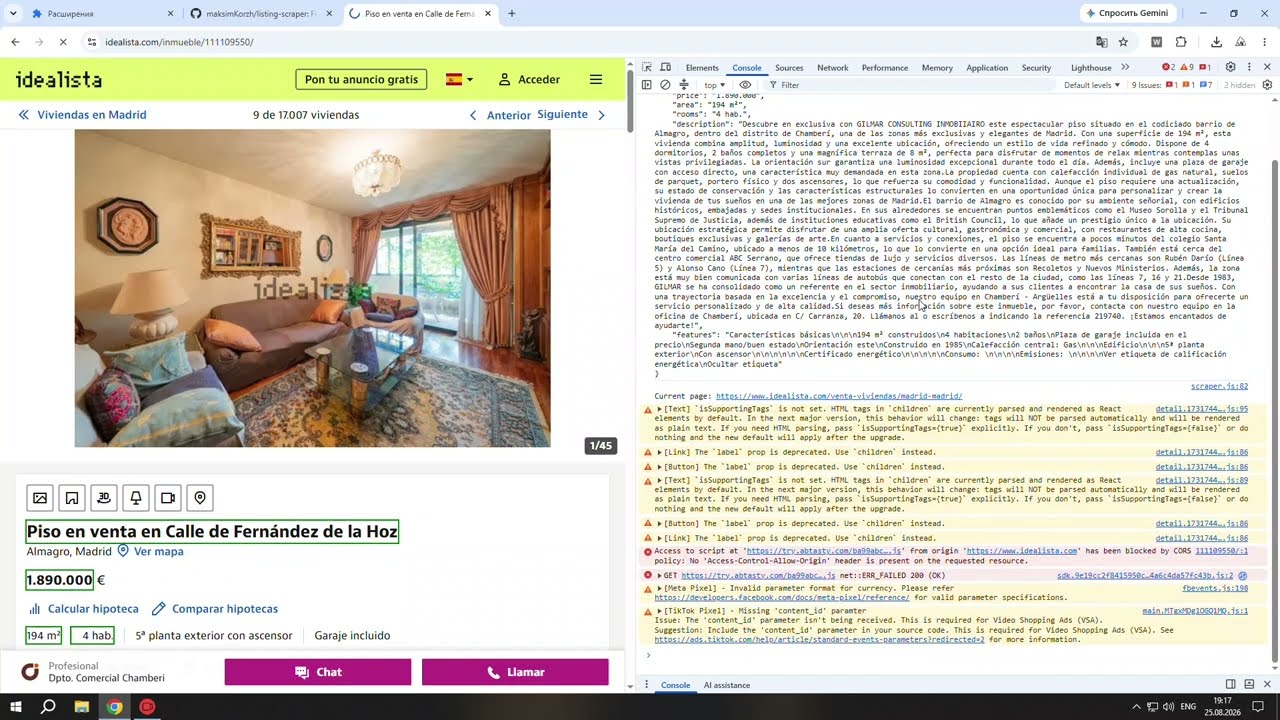
The two examples demonstrate the same underlying architecture at two very different levels of complexity. The first confirms that our extension works on a simple, predictable website. The second shows the same browser-based scraper being applied to a real-world website and a much more realistic data-collection task.
At this point, the important thing is not simply that we managed to scrape two websites. We have demonstrated the complete idea behind this book: instead of building a separate program that tries to imitate a browser, we can put the scraper inside the browser and let the browser do much of the work for us.